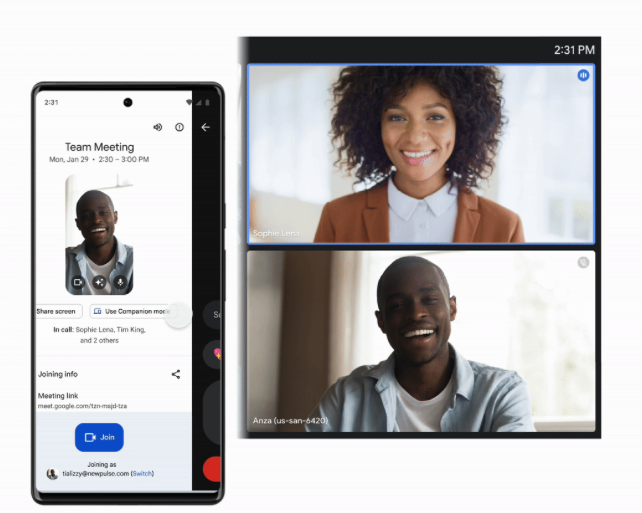
Google Meet's speech translation feature may sound familiar, but it has only been made available on the mobile version now after the company decided to roll it out to the platform.
Initially, the feature was exclusive to the desktop version of the video conferencing app, but now, it unlocks the multi-language feature right for Android and iOS.
Google Meet Mobile Adds Speech Translation
According to a report by DigitalTrends, Google is now rolling out the speech translation feature to mobile platforms following its recent general availability on the web version.
Through this feature, users may now get the audio spoken by participants or hosts from another country translated to those that they understand in an almost real-time translation.
The feature is made possible by Google DeepMind's speech-to-speech model, which processes audio in roughly two to three seconds.
The delay to the audio translation was done strategically by Google as doing it faster will make the output difficult to follow, while doing it slower may break the flow of conversation. Google then "dubs" the translated content over the original voice of the speaker, but users may still hear the original version faintly.
At present, the feature supports bidirectional translation of the following languages:
- English
- Spanish
- French
- German
- Portuguese
- Italian
Users may only choose to translate a pair of the languages mentioned above at a time.
The rollout started last April 8 in rapid-release domains, but the report said that the feature will be available starting April 23 and beyond for the scheduled release domains.
How to Use Speech Translation on Meet Mobile
To use Google Meet's speech translation feature on mobile, head to the Settings, go to the Tools section, look for the "Speech Translation" feature, and enable it. From there, users can choose which language will be used in the translation.
Speech translation will be turned on by default and can be disabled or enabled at the organizational unit level by admins.
That said, there are several limitations to the feature as users in conference rooms can hear translations, but their own speech will not be translated.
Additionally, translated audio is not captured in Google Meet recordings, and save files will only feature the original language spoken by the person.
Originally published on Tech Times


